
How To Place Your First Printify Order (with 20% Off)
by Michael Essek · Updated: November 7, 2025Are you thinking of trying out Printify as a potential Print on Demand Fulfilment Partner – but not sure where to start?
If so – I got you. In this article I’ll show you how you can place a sample order with Printify – without having to integrate with any marketplace or storefront.
In other words, you can test the quality of various Printify providers, without the effort of setting up a full integration.
I’ll show you:
- How to setup your free Printify account
- How to place your first Printify order
- What to look for when you receive your sample order
…And how to do it all while saving 20%!
So let’s dive in…
Legal note: This article contains affiliate links to products and services I use and recommend.
1. Get A FREE Printify Account
The first thing you need to do is to setup your FREE Printify account.
(If you already have a Printify account, you can skip down to step number 2.)
Setting up your Printify account is very straightforward – let’s get into it:
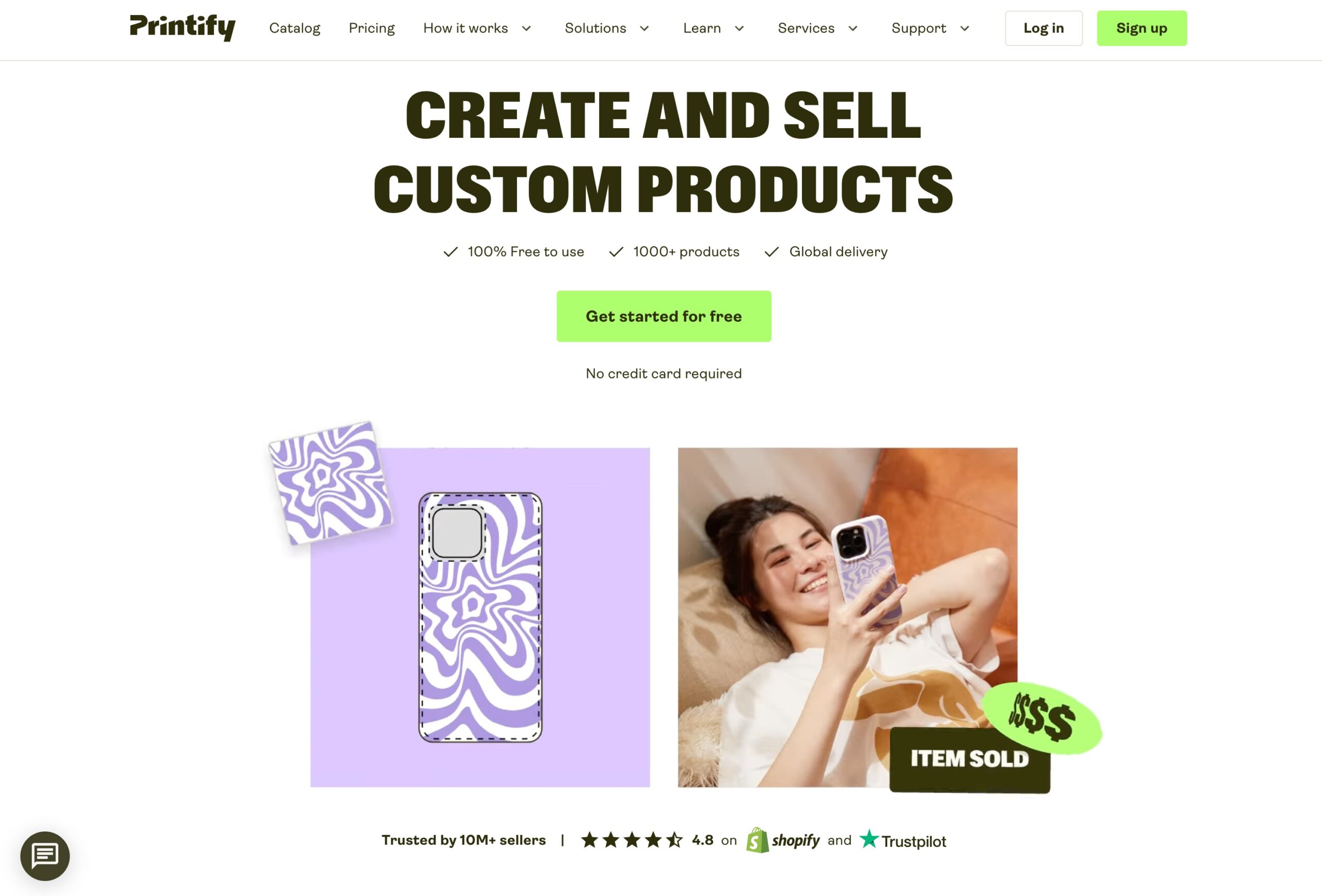
- First, click this link or the button below to visit Printify.com – then click on the big ‘Get Started For Free‘ button.
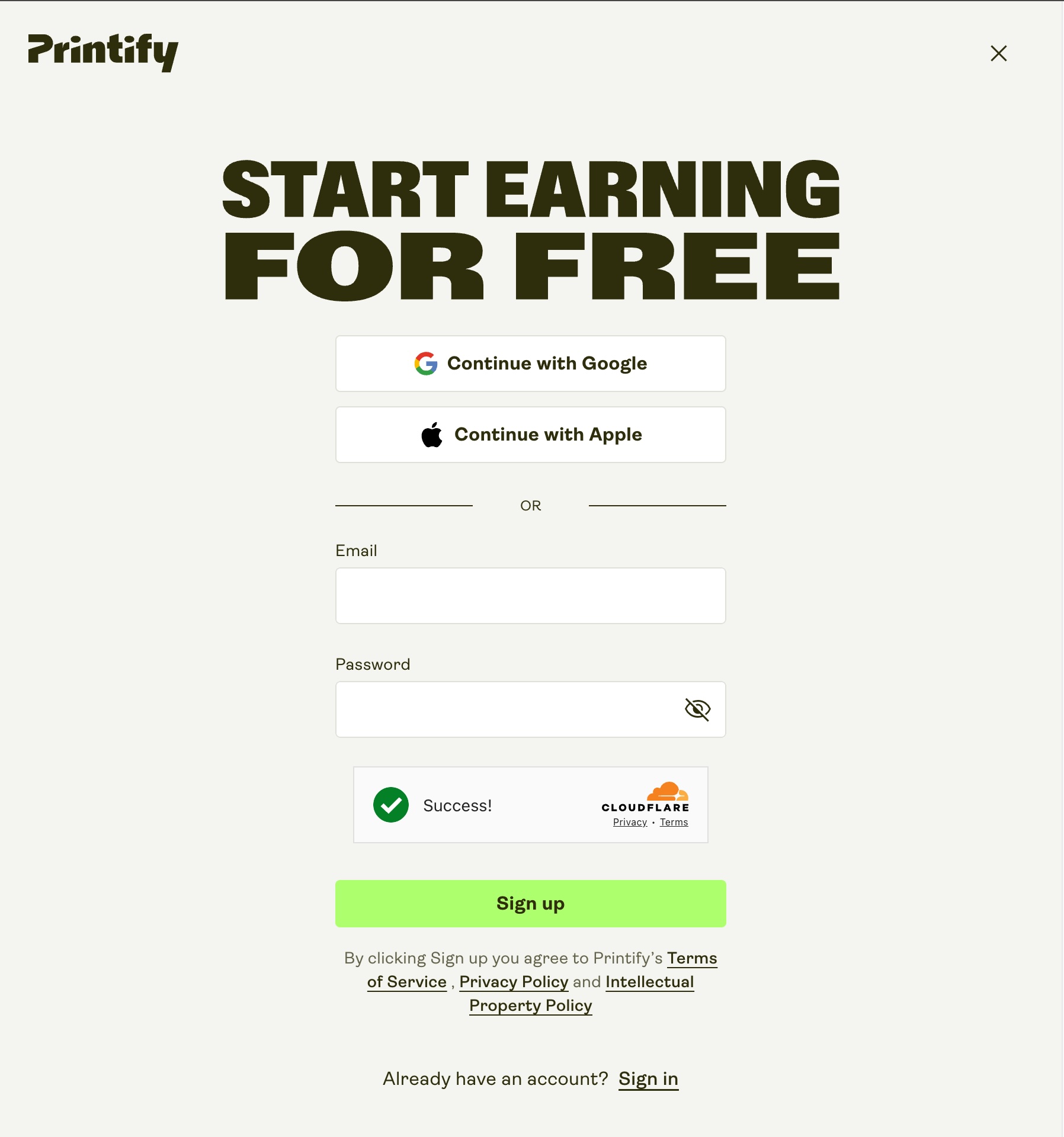
- To create your new account enter your email and create a password.
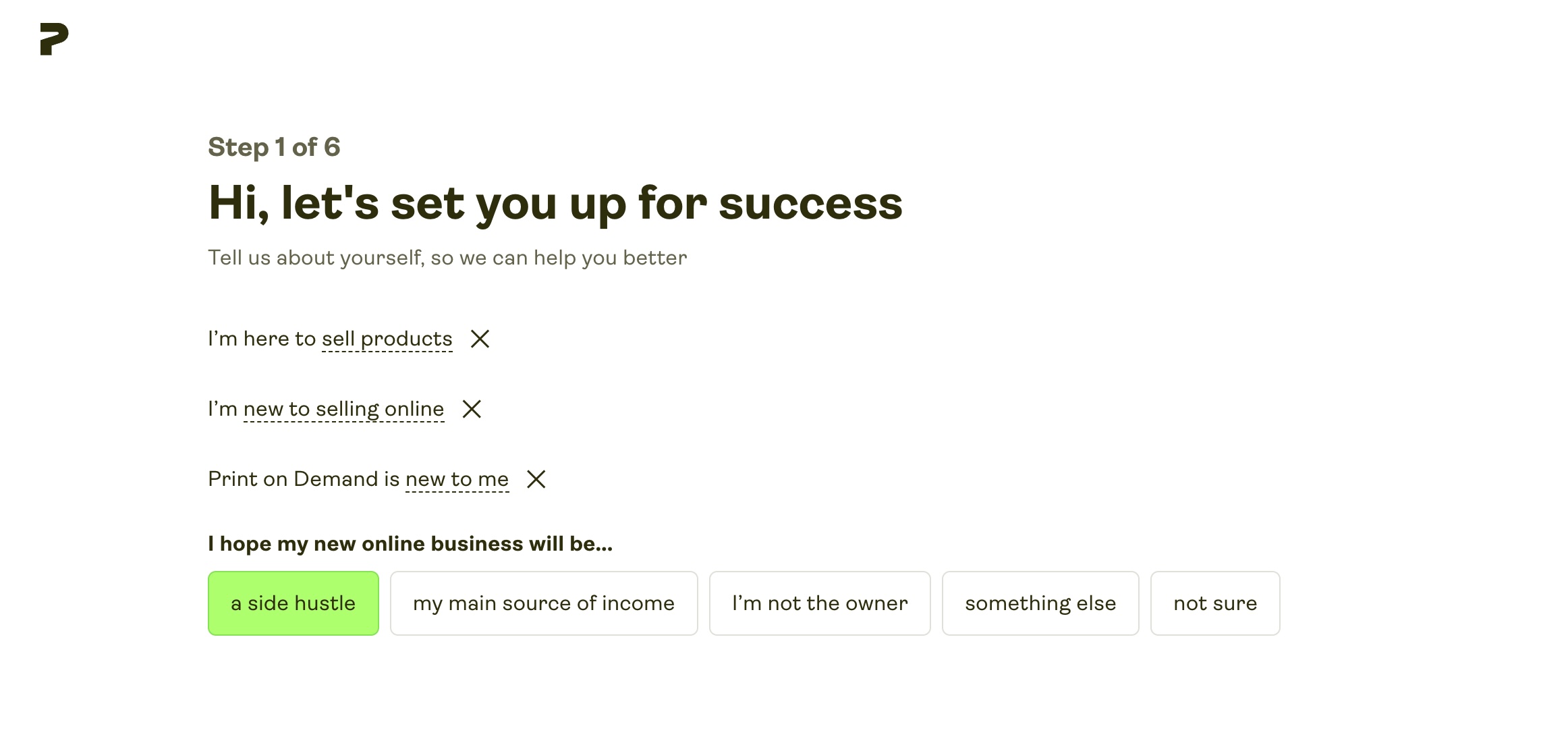
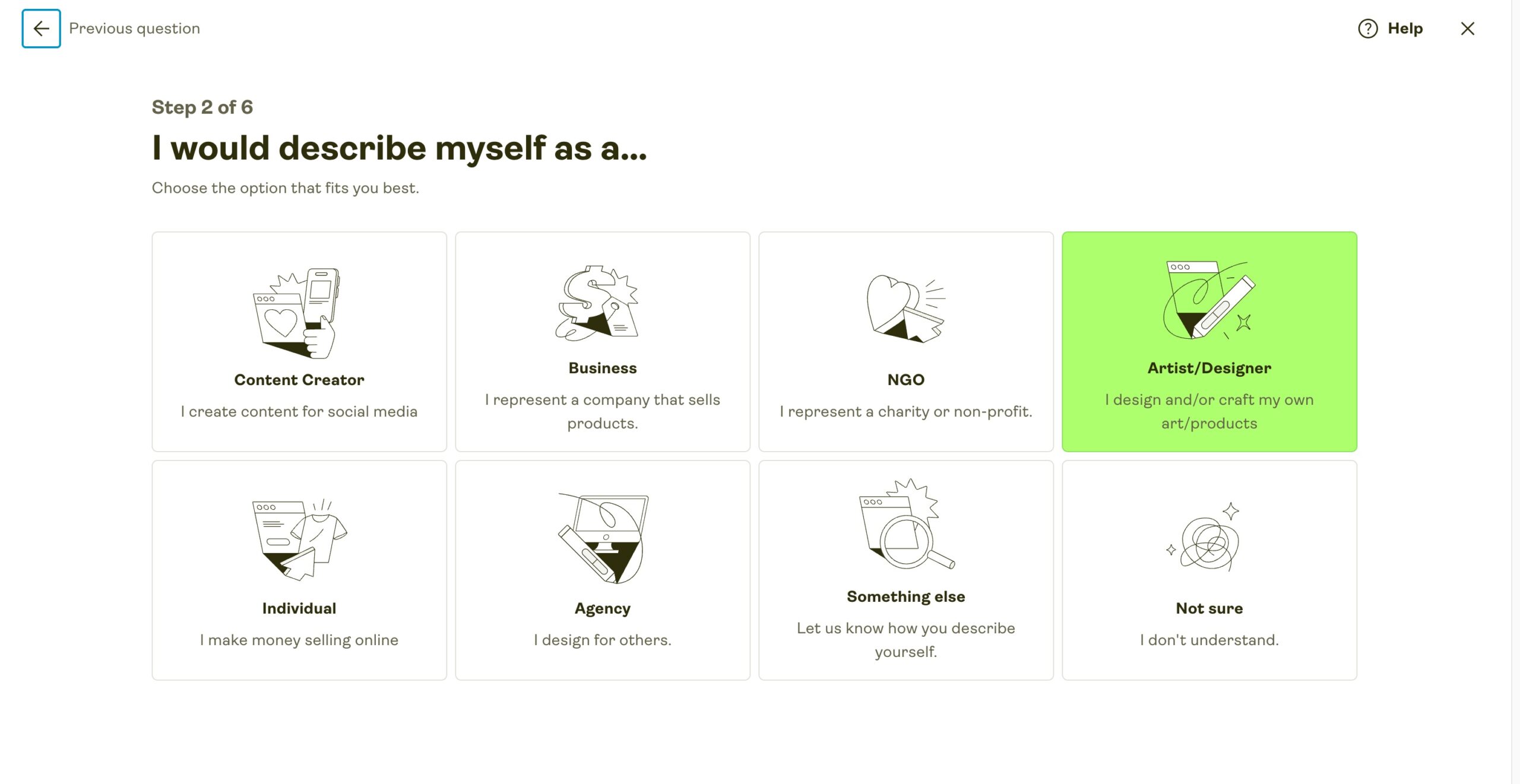
- Printify will then ask you some questions to setup your account – just answer as best you can. If you’re not sure about any, you can just choose ‘not sure’ (your answers won’t impact anything about your account or ability to order products).
Once done – that’s it – your Printify account is live.
Make sure you’ve saved your password somewhere!
2. Design your first product
- Before you can order your sample products – you need to create them!
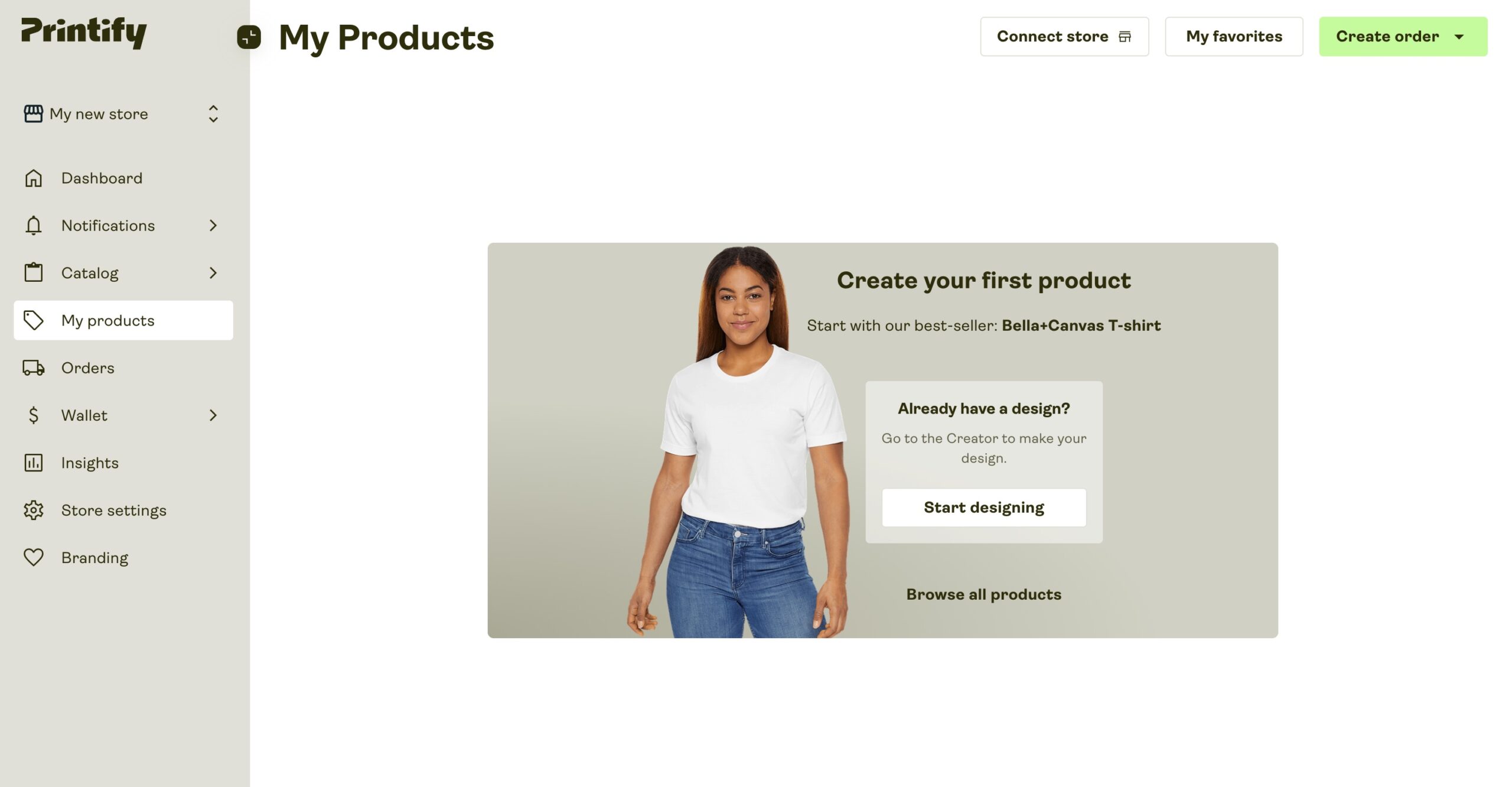
So look for a ‘Create Product‘ button – or go to ‘My Products > Start Designing‘ to begin:
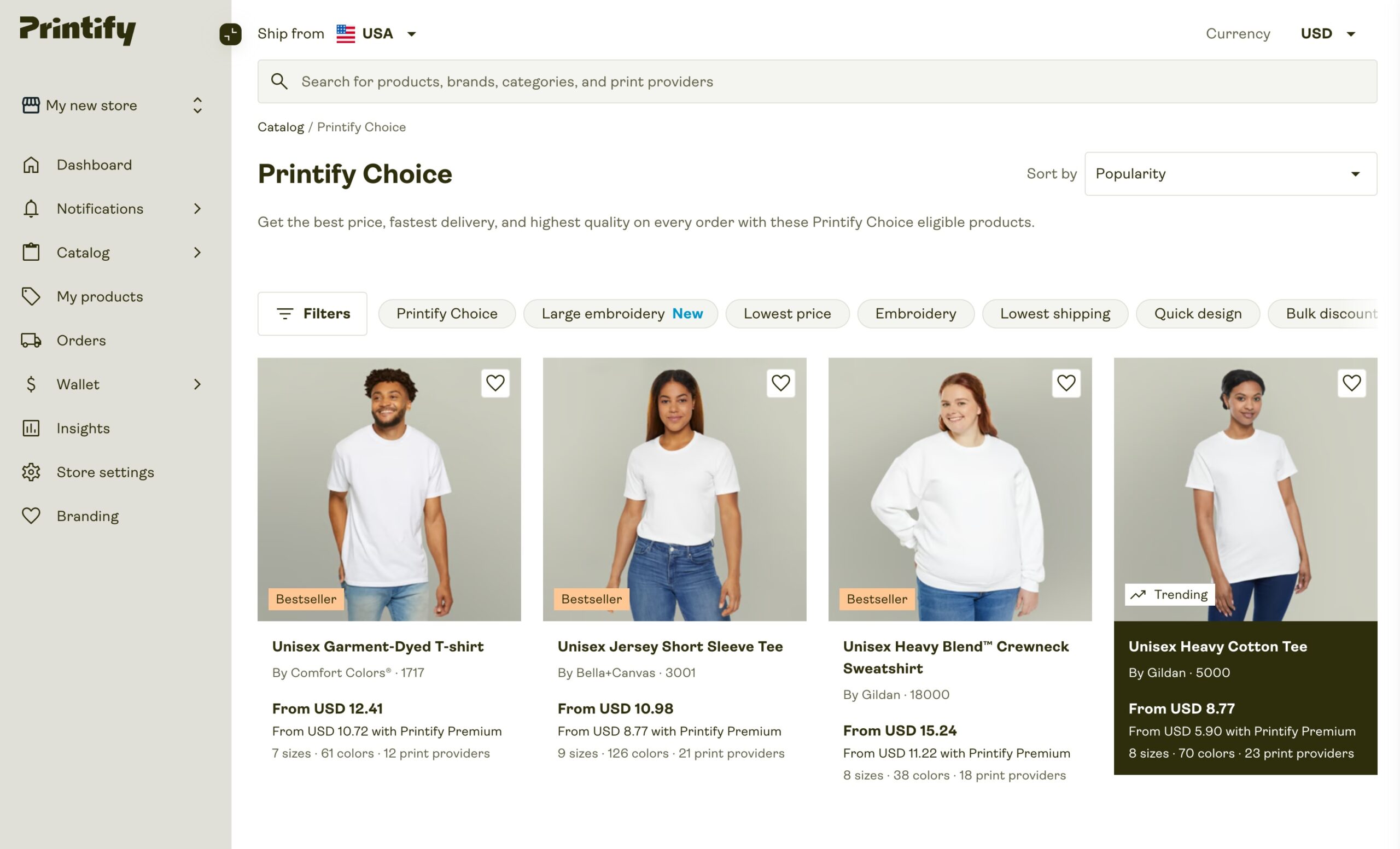
- Select the product you wish to print onto: (Bestsellers will appear first – these are probably your best bet to begin with)
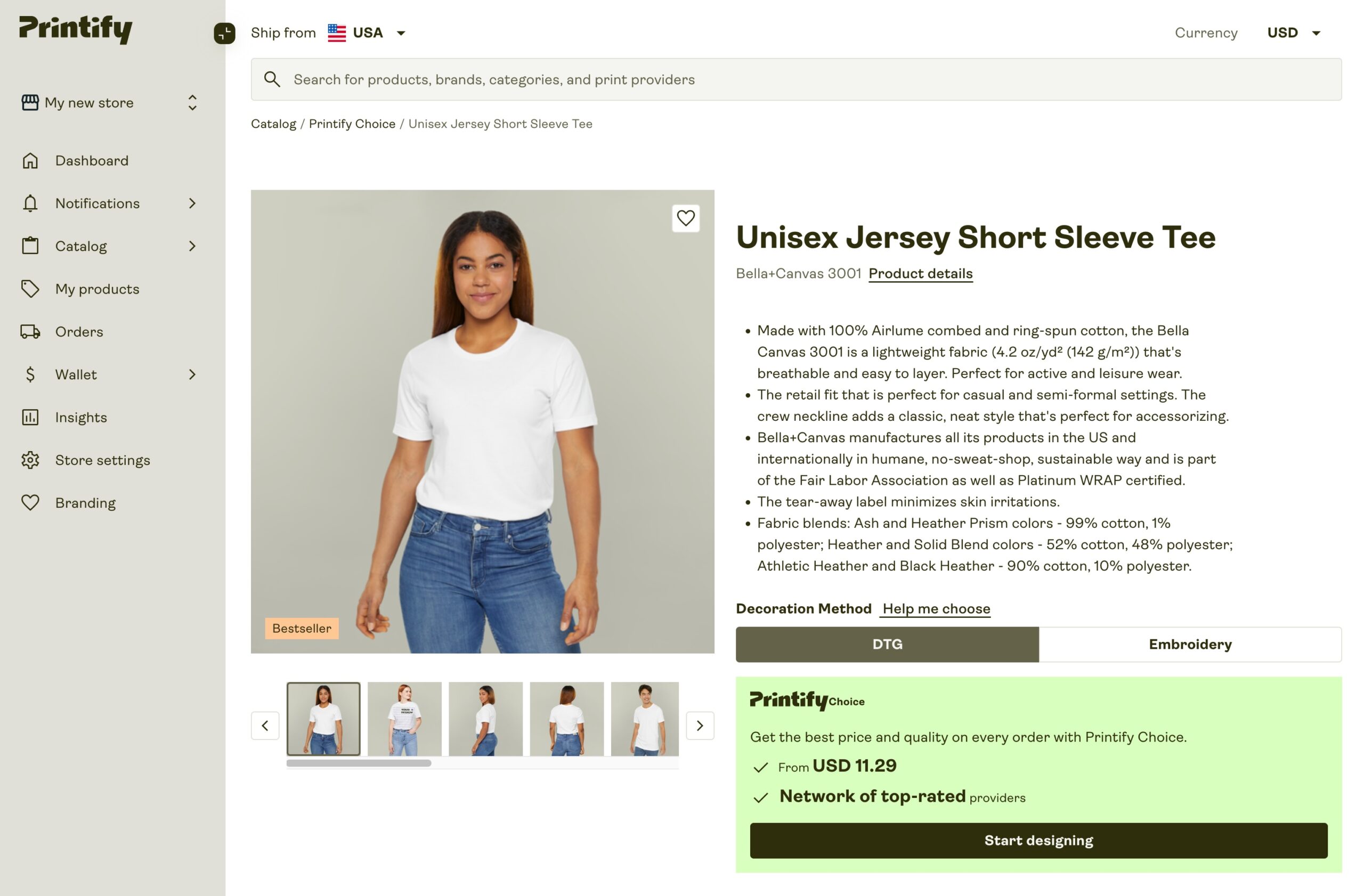
- Once your have selected your garment, click the ‘Start Designing‘ button.
Note: By choosing the ‘Start Designing’ button under the ‘Printify Choice’ logo, you’ll be creating a Printify Choice product – which means your product will be automatically routed to one of Printify’s top printing partners. If you’d rather manually select your printing company, you can do so by scrolling down and selecting ‘Choose Manually‘ under ‘Select a Fulfilment Option’.
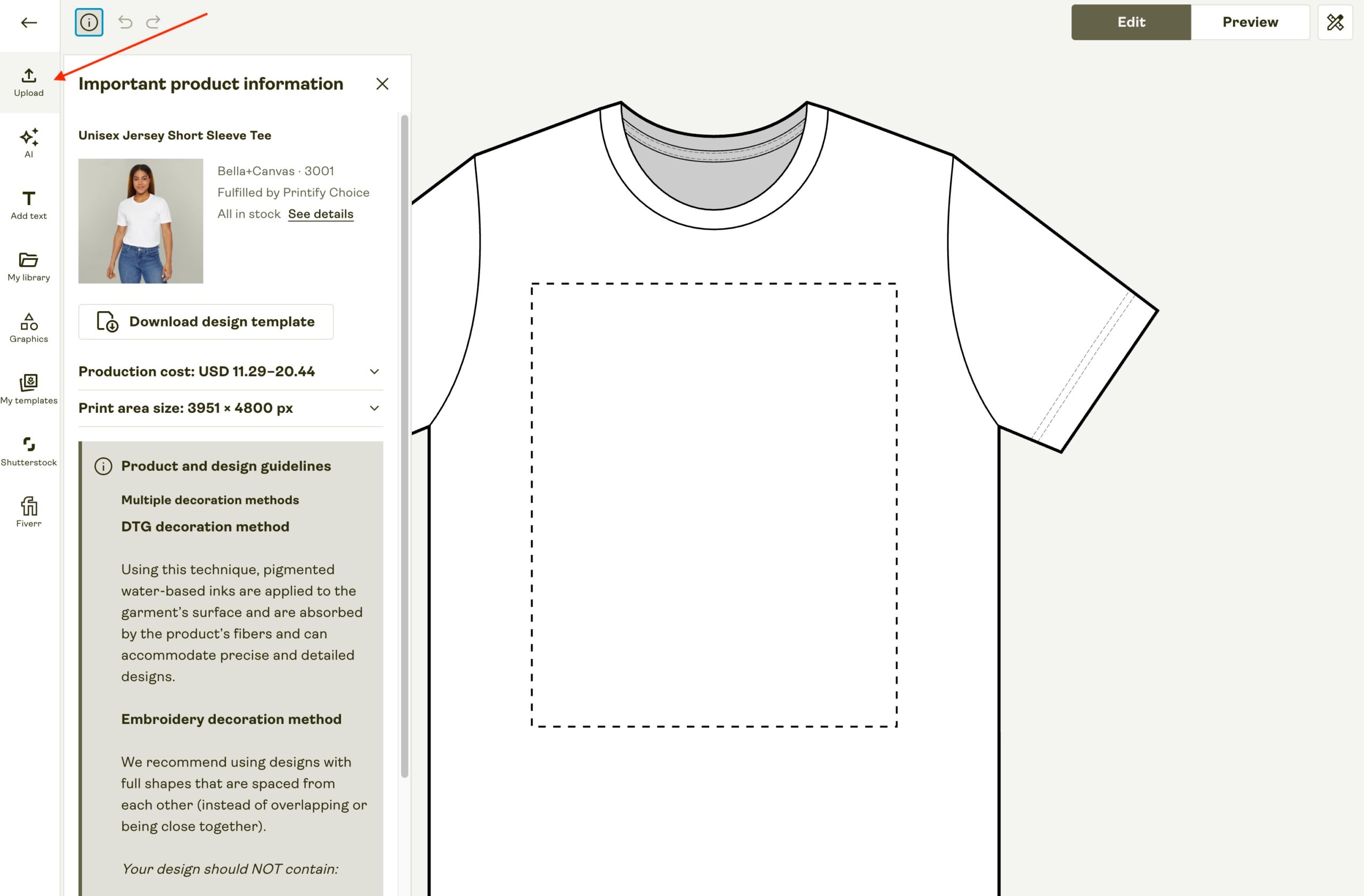
- Now you’ll see the design editor page – which is where you’ll upload your design to create your product. Click on the ‘Upload’ button to add your design.
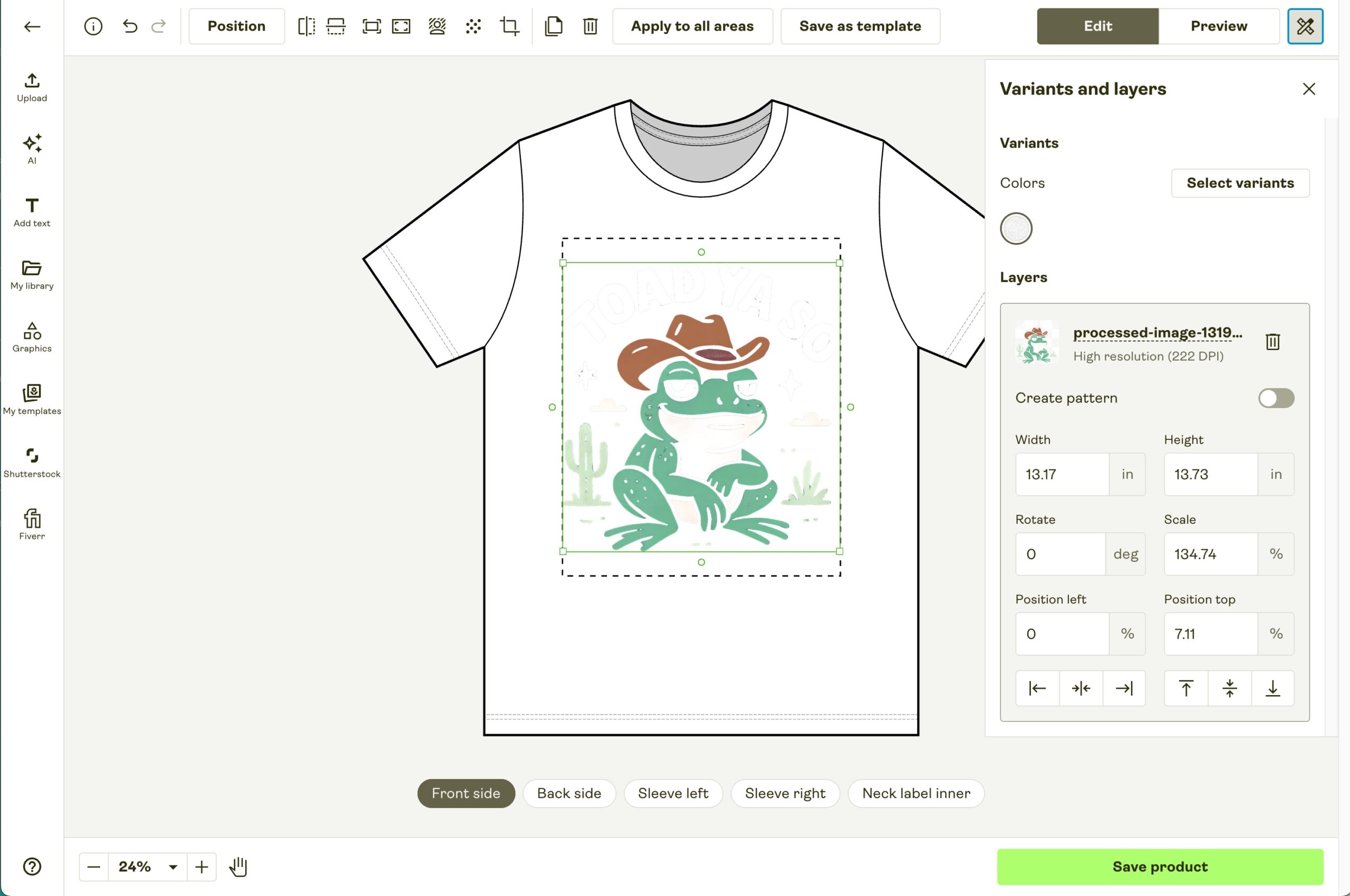
- I’ve uploaded my design from my computer – but as you can see below it isn’t very visible – because the shirt colour is white. To fix this I’m going to click ‘Select Variants’ and choose a dark coloured shirt for this product:
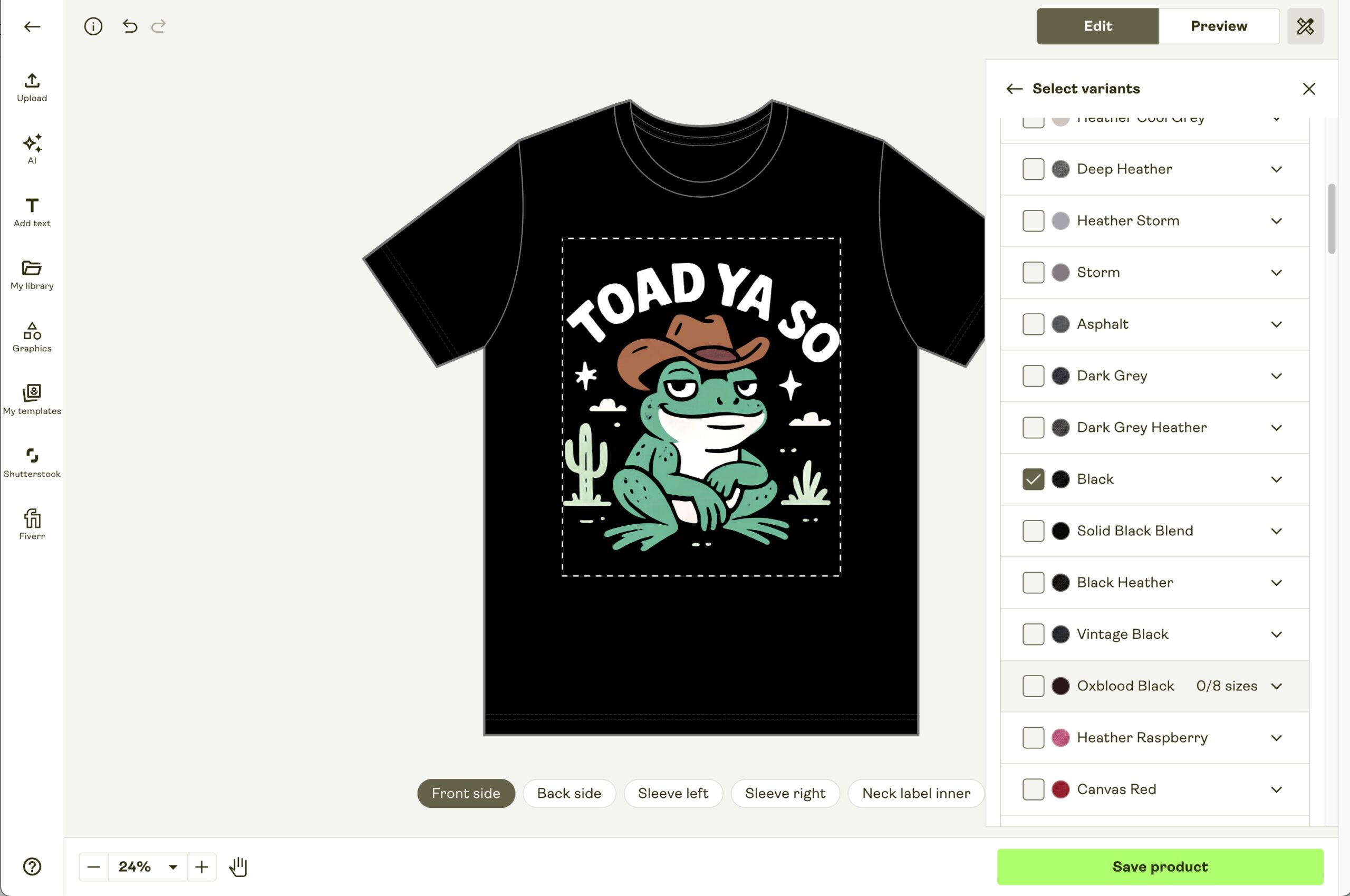
- Once happy I select ‘Save Product’ – and that’s our first product created!
Note: You may see prompts to place a ‘Sample order‘ – but unless you’re on a Printify Premium plan – sample orders with Printify aren’t discounted. So you don’t need to worry about whether your first order is technically a ‘sample order’ or not – and you can use the coupon code ESSEK20 for 20% off regardless.
3. Place Your First Order
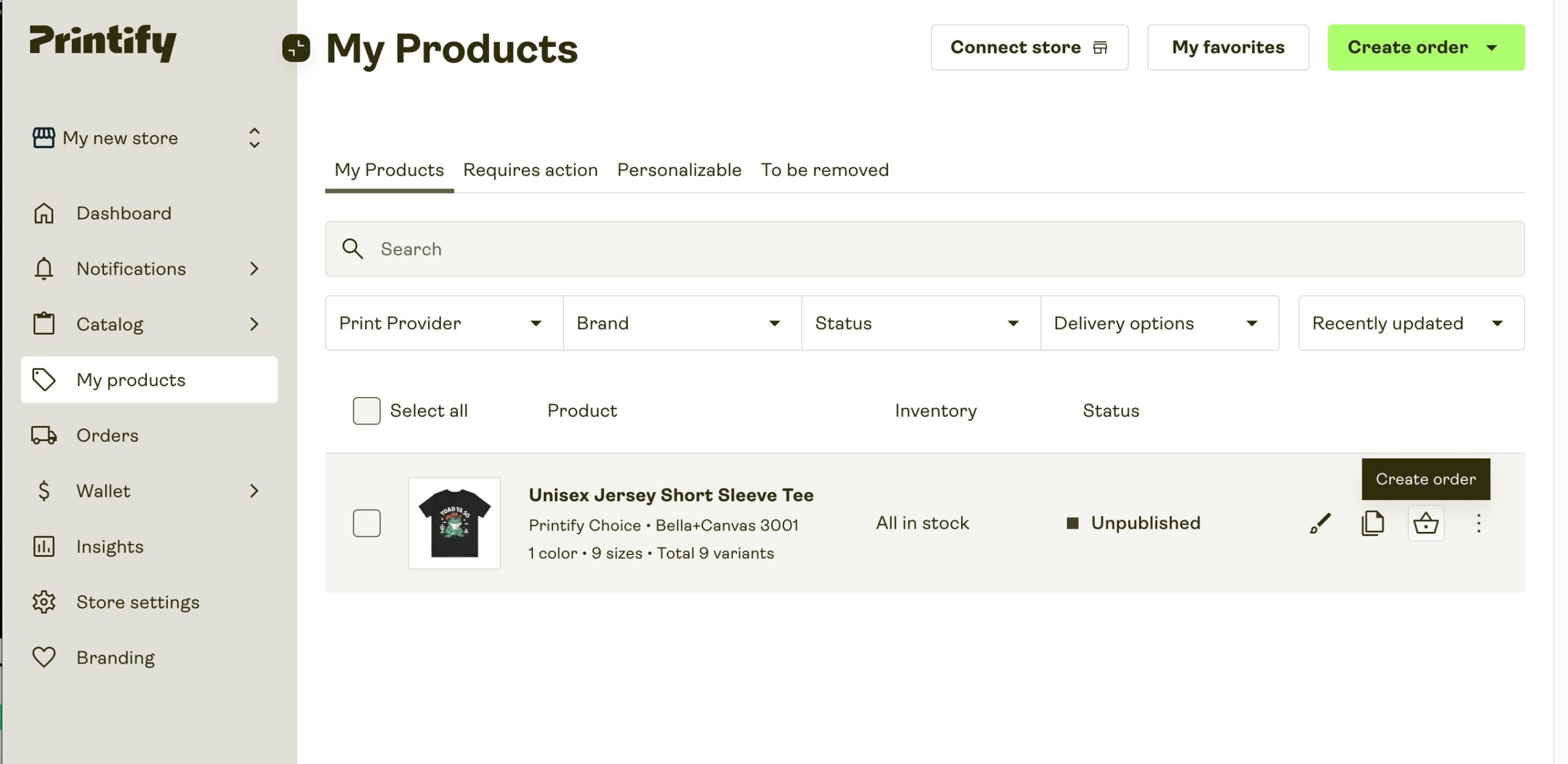
- Now your product is created, we need to place an order. You can do this by going to ‘My Products‘ and clicking the order icon and then ‘Create Order‘:
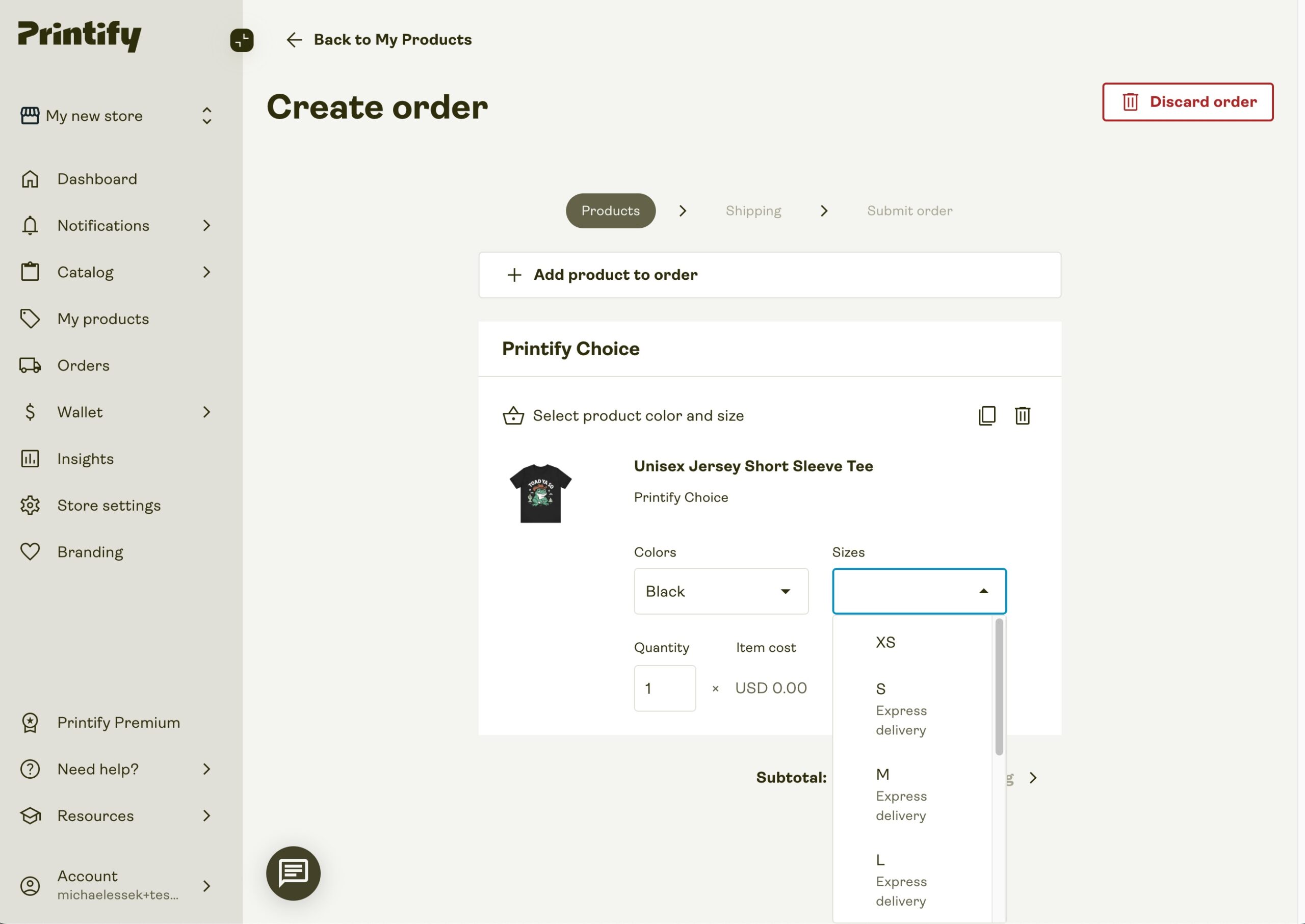
- You should now be on the Create Order page – and you just need to choose the colour and size for your order:
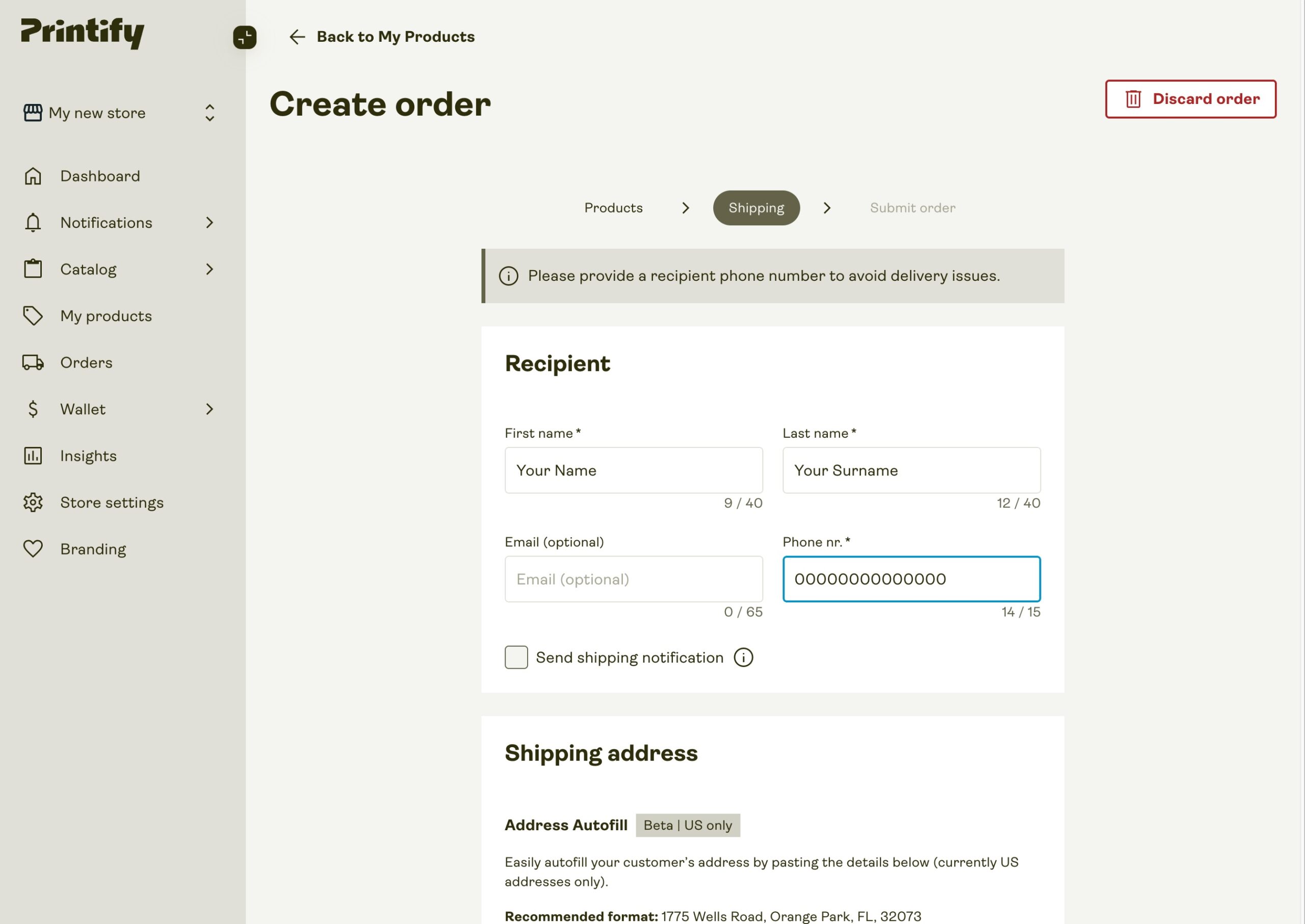
- Then click on shipping > – and fill in your details (these should be your personal details – where you want your sample product to be delivered – but obviously with any real order you would here insert the details of the customer):
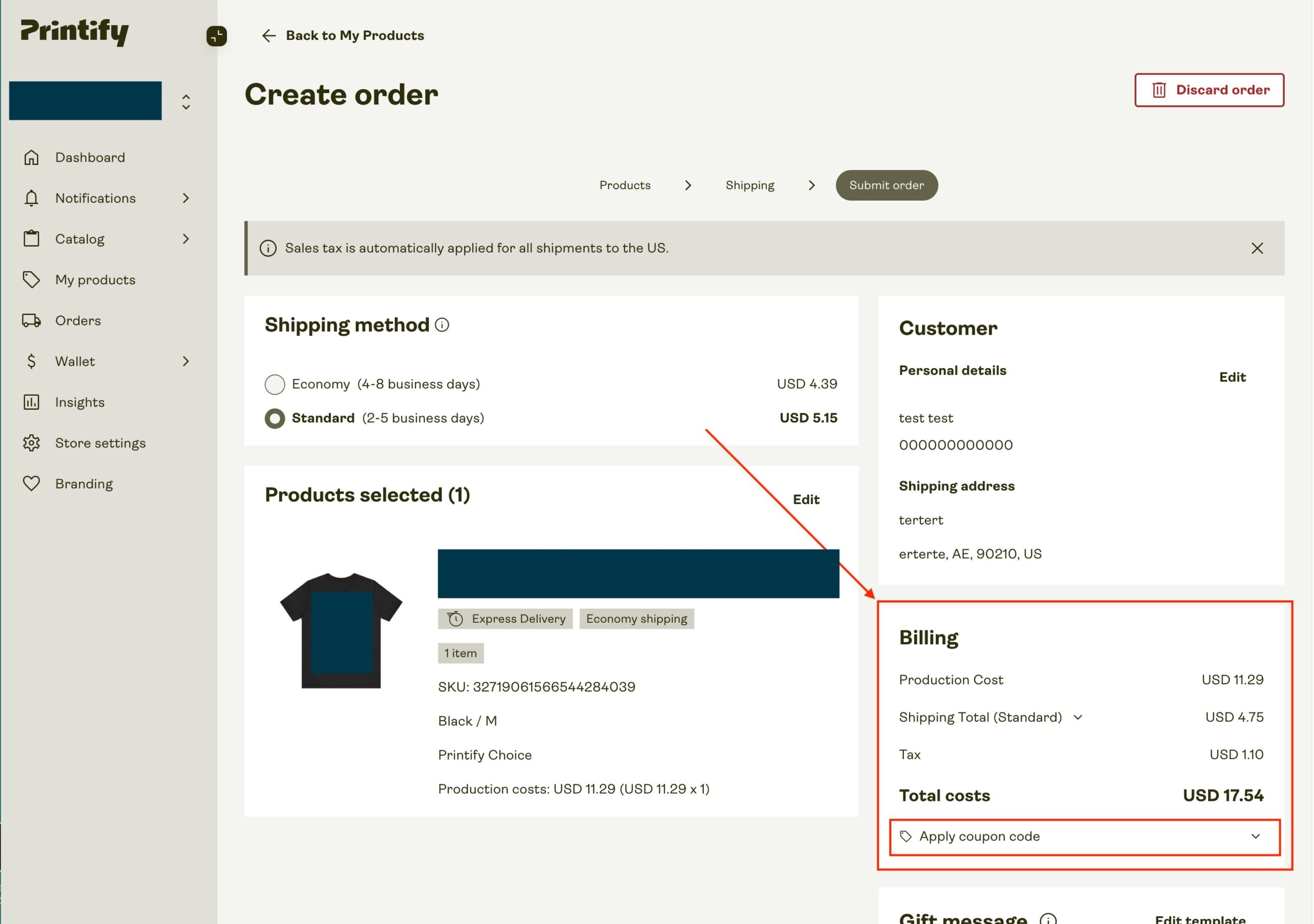
- Then click ‘calculate shipping‘ – and you will see your final order details.
- Confirm these are correct – and then click the ‘Apply Coupon Code‘ link to open the coupon area:
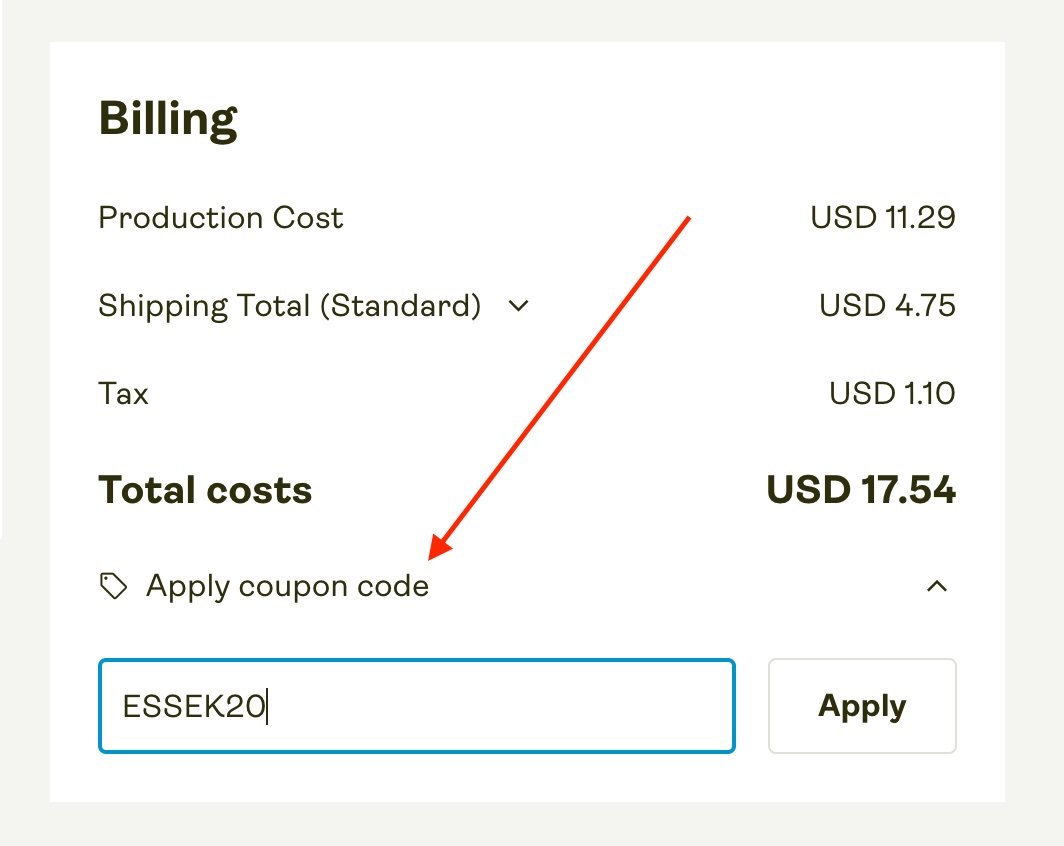
- Add in the coupon ‘ESSEK20‘ to get 20% off your first order (up to a maximum of $10):
- Then proceed to payment, choose your payment method – and Submit Order.
Congratulations – you just placed your first Printify order!
You can now track your order’s progress under your ‘Orders‘ tab.
4. Reviewing Your Printify Sample
Once your order arrives, you’ll want to check it to make sure you’re happy with the quality.
Quick Tip: If you do want to test out a few providers to compare their quality and turnaround time – make sure you vary something in each of the orders to make it easier to identify which came from where. I recently ordered a bunch of samples at once, and figuring out which came from which print partner was not easy!
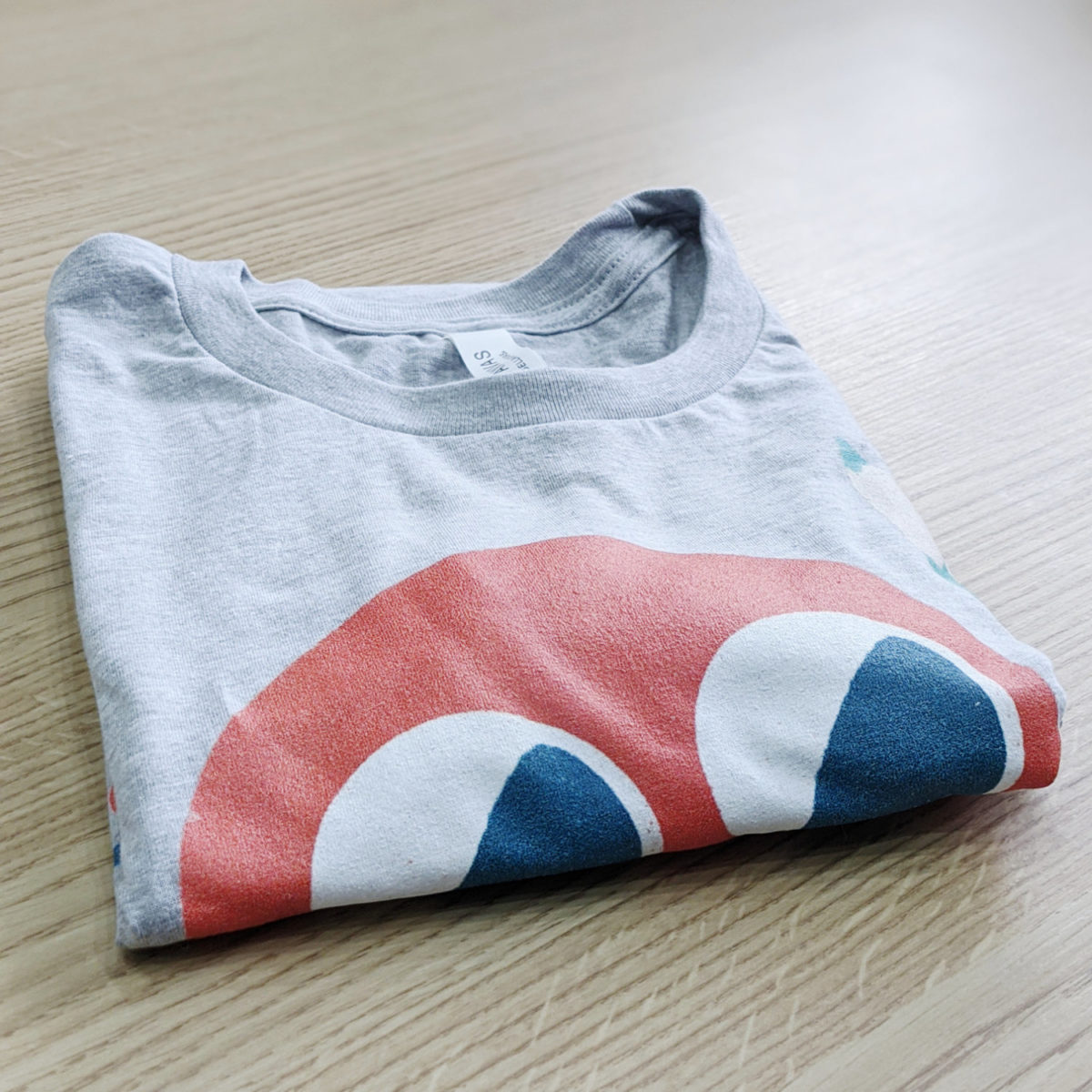
Here’s what you can expect your Printify sample order to look like when it arrives:
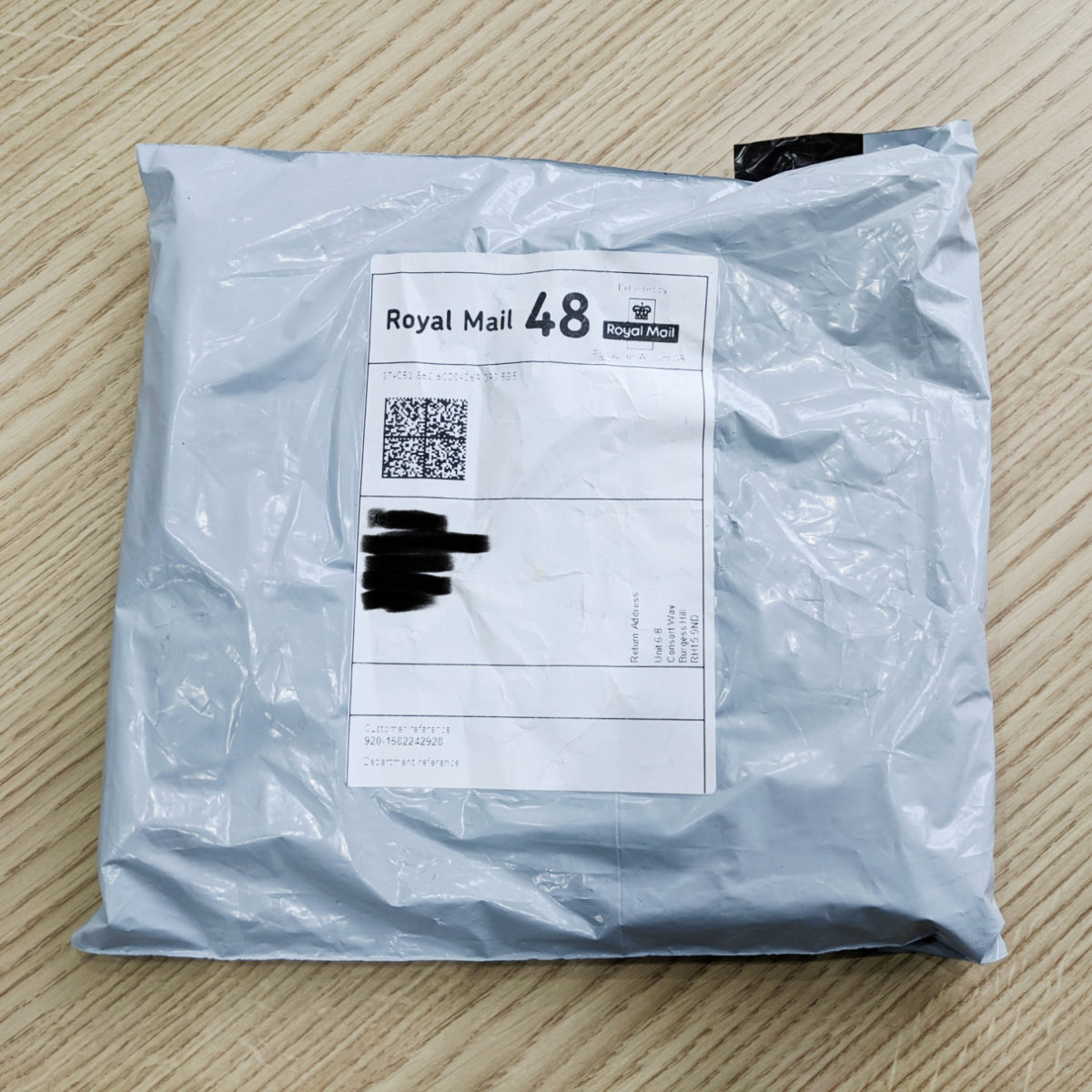
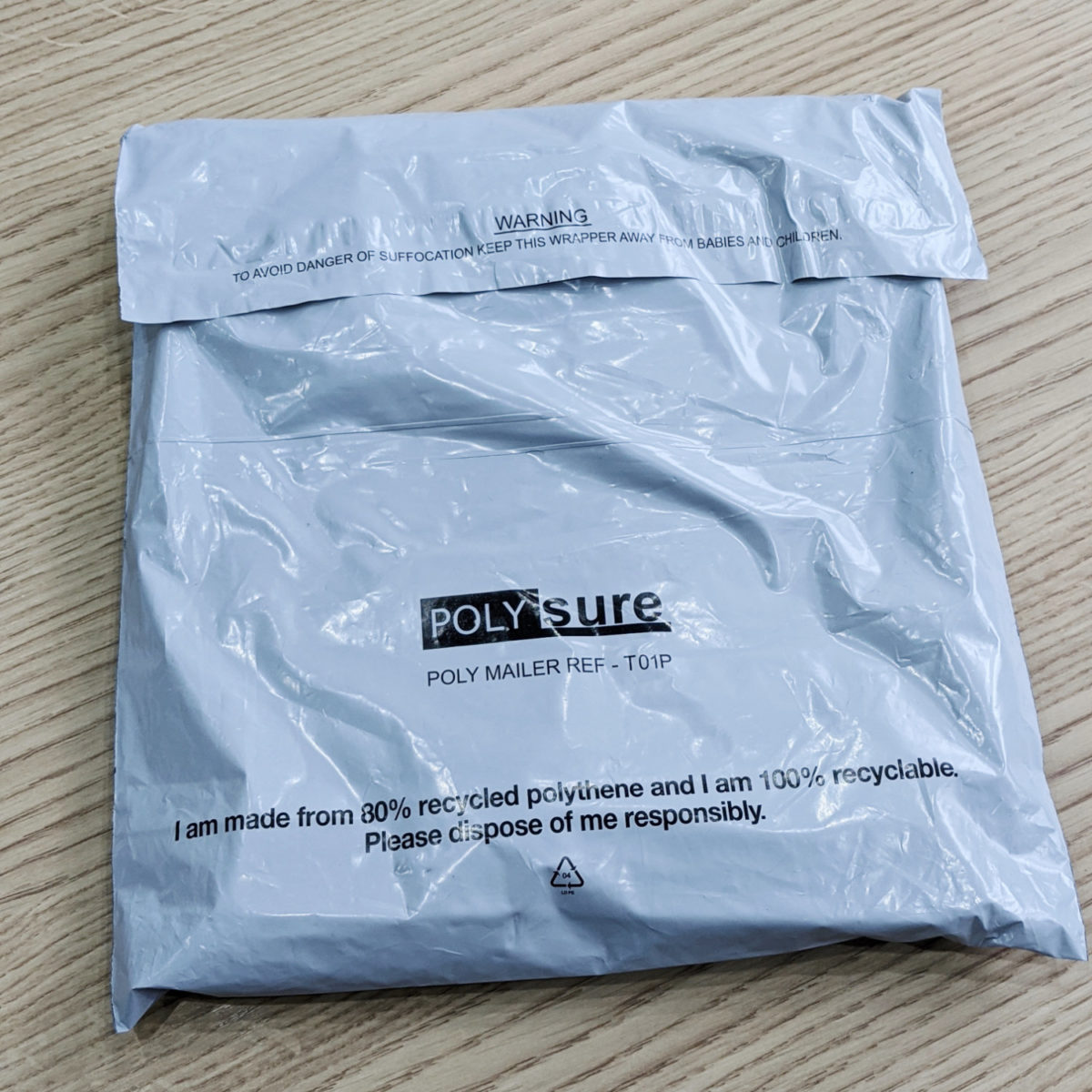
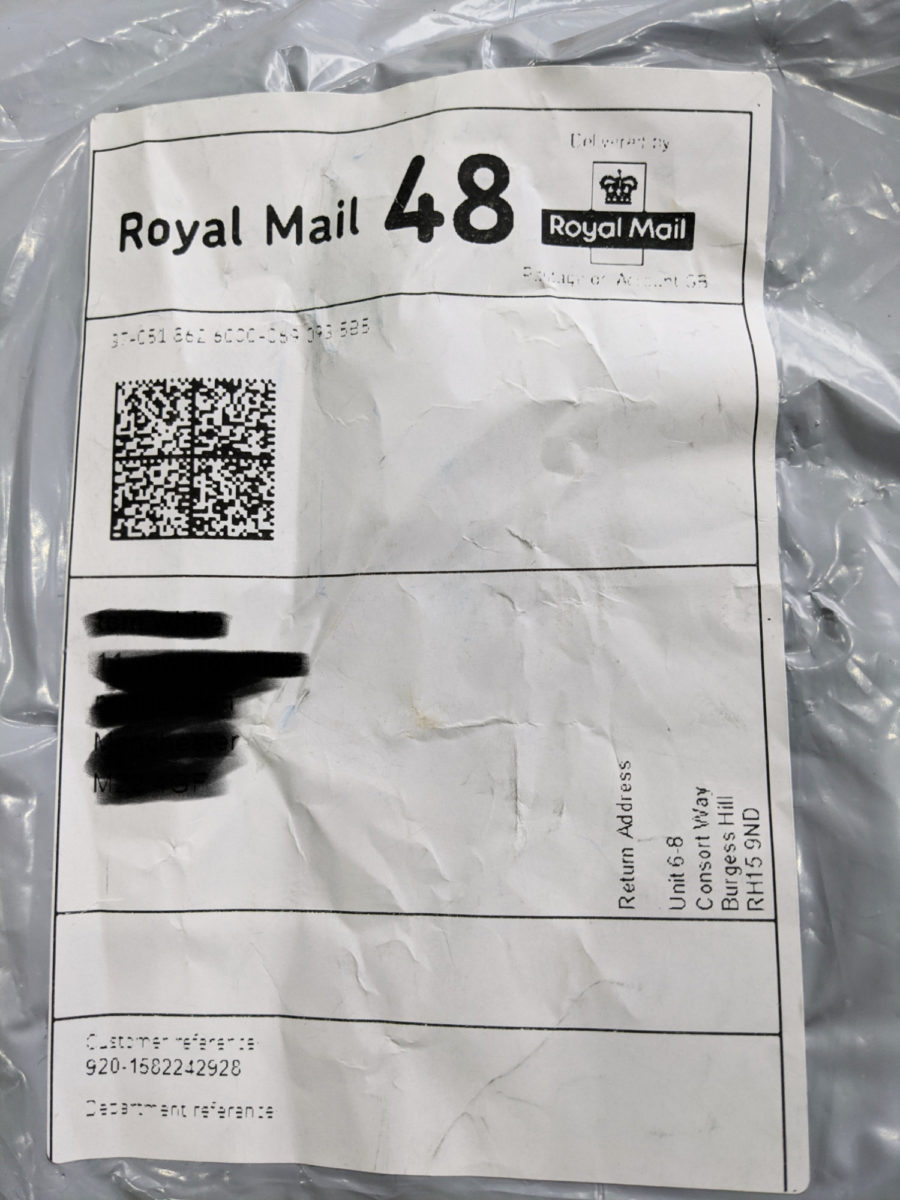
What’s inside;
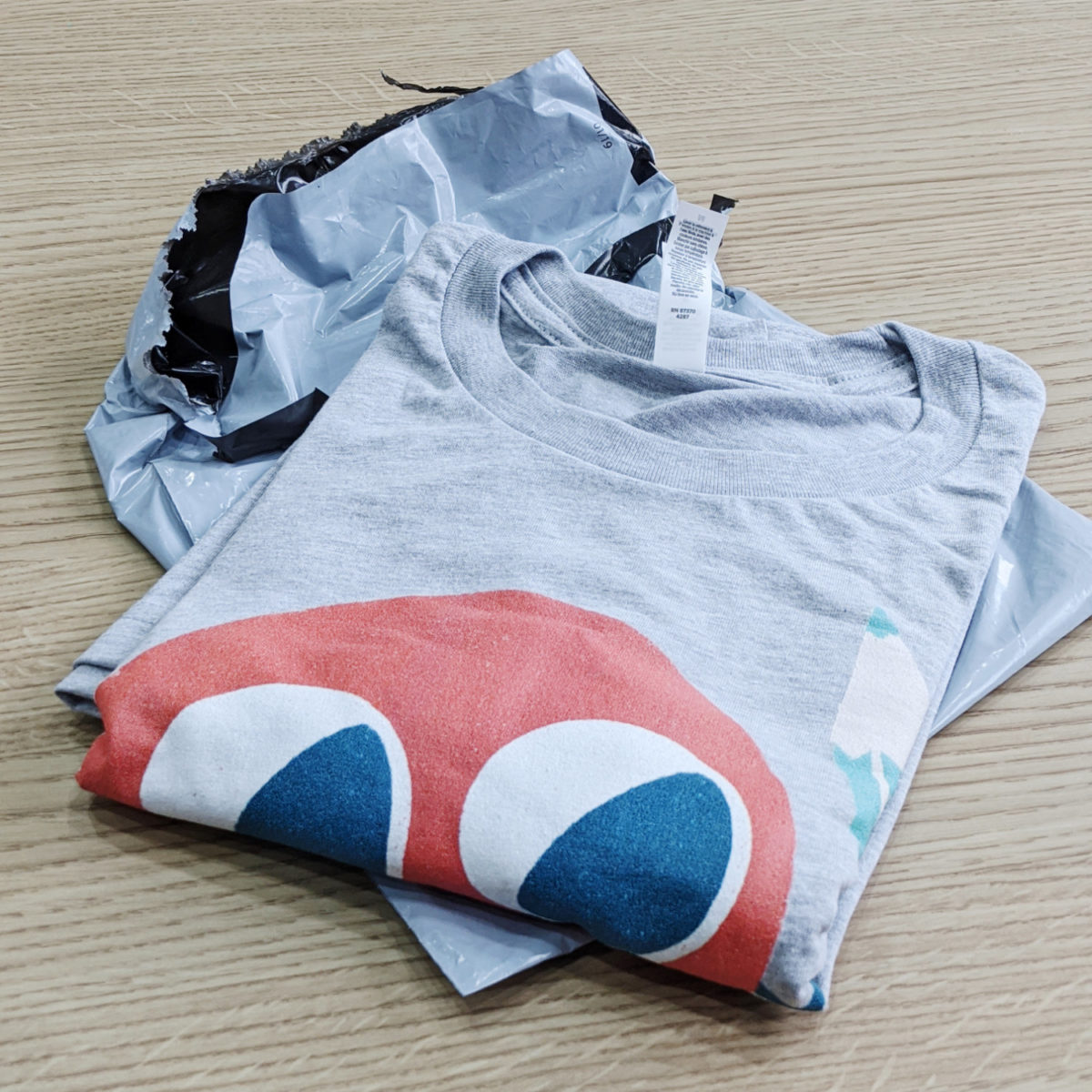
- My sample arrived with just the T-shirt, no packing slip or additional packaging (good news for the turtles!)
What To Look Out For…
When it comes to the product itself, here’s what to look out for:
- Any obvious errors, blemishes, or damages to the print or product. (If you spot any of these – contact Printify about it).
- Does the product itself match your expectations? Is the garment soft, and does it fit as you’d expect?
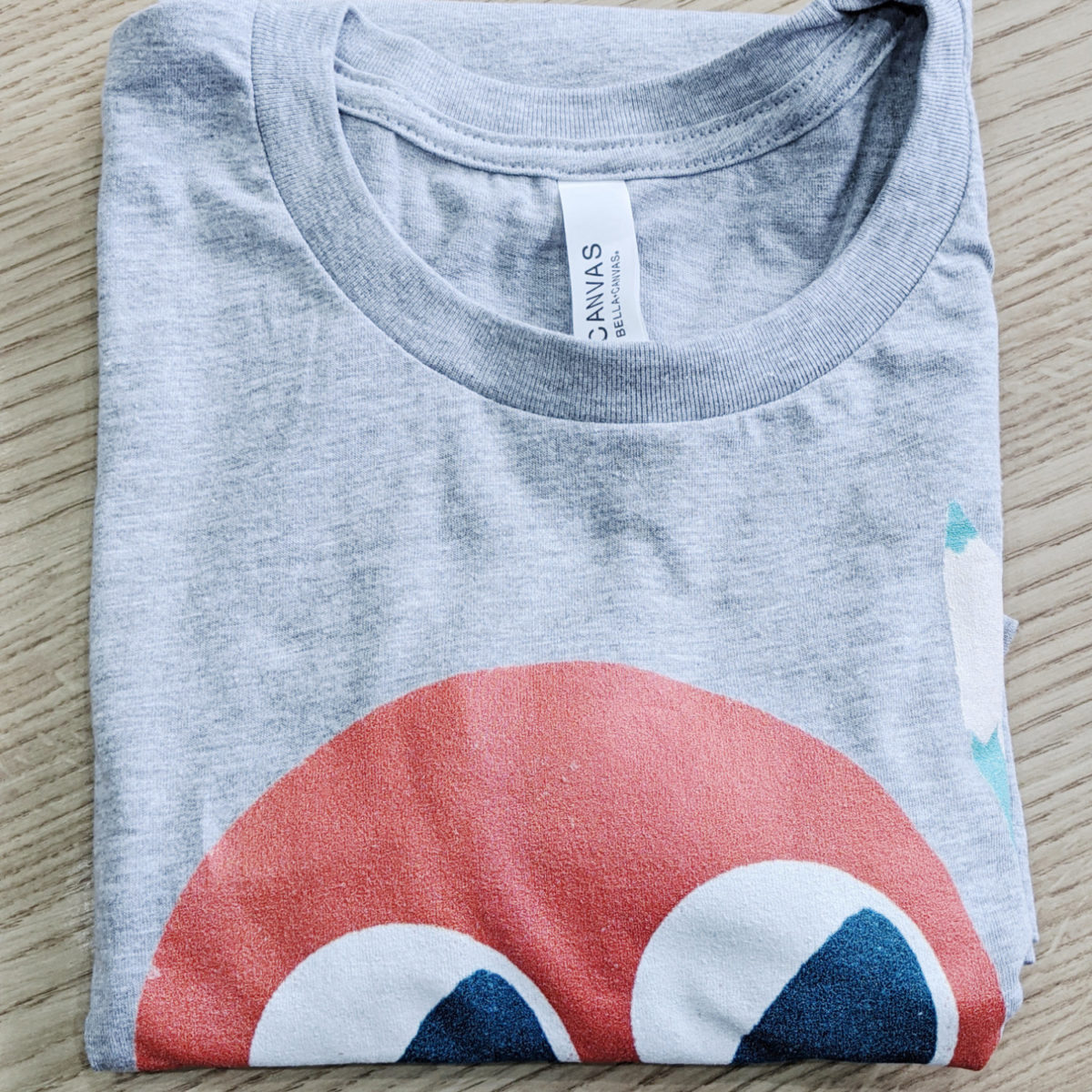
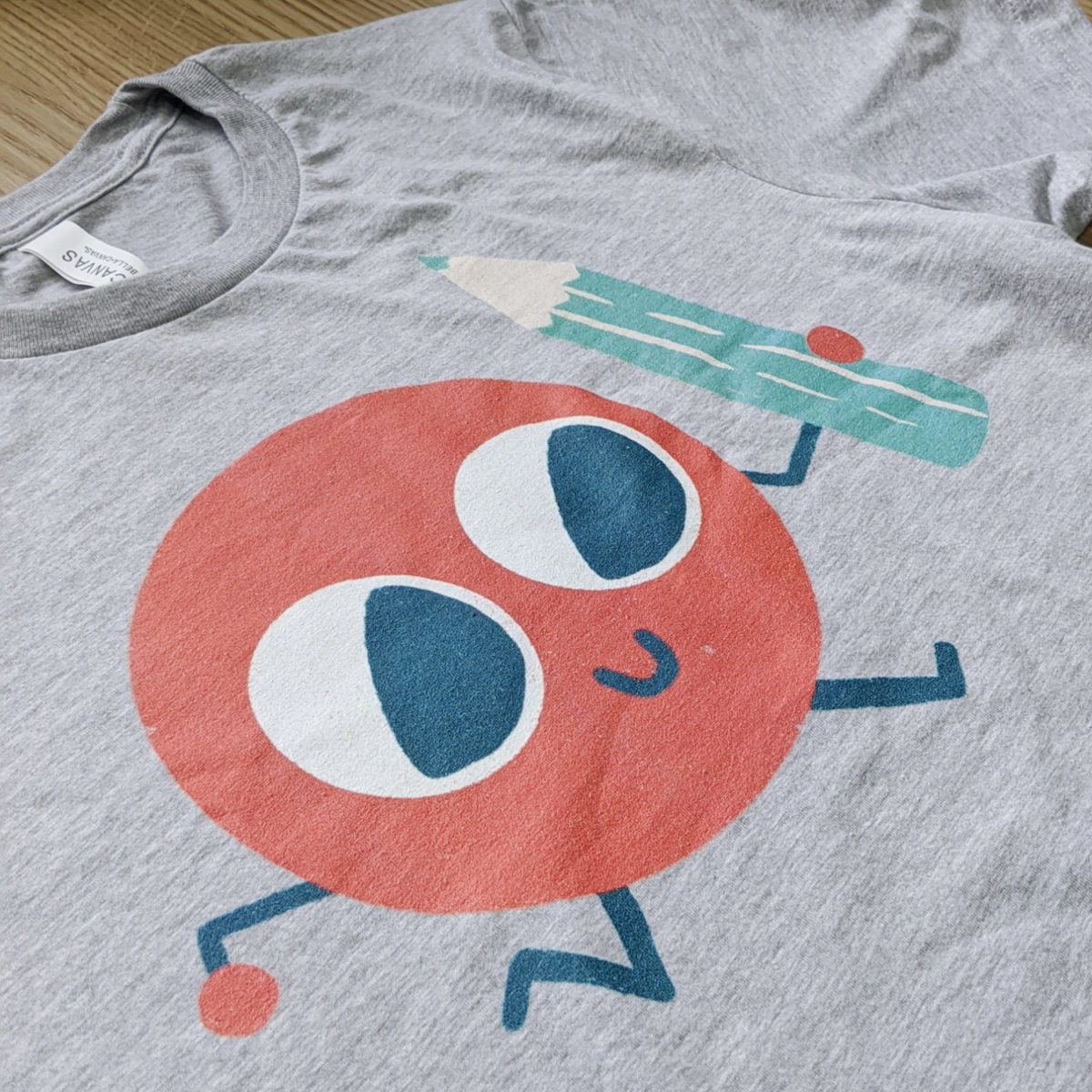
- Print Quality. Are the colours how you would expect them? Is the image sharp enough? How does the print feel? (It’s normal for the print to feel a little ‘sticky’ at first – and this should decrease after a wash or two.)
Smells weird? Don’t be alarmed. Almost all DTG printers use a vinegar-like substance in the printing process, but the smell will disappear after a wash.
-
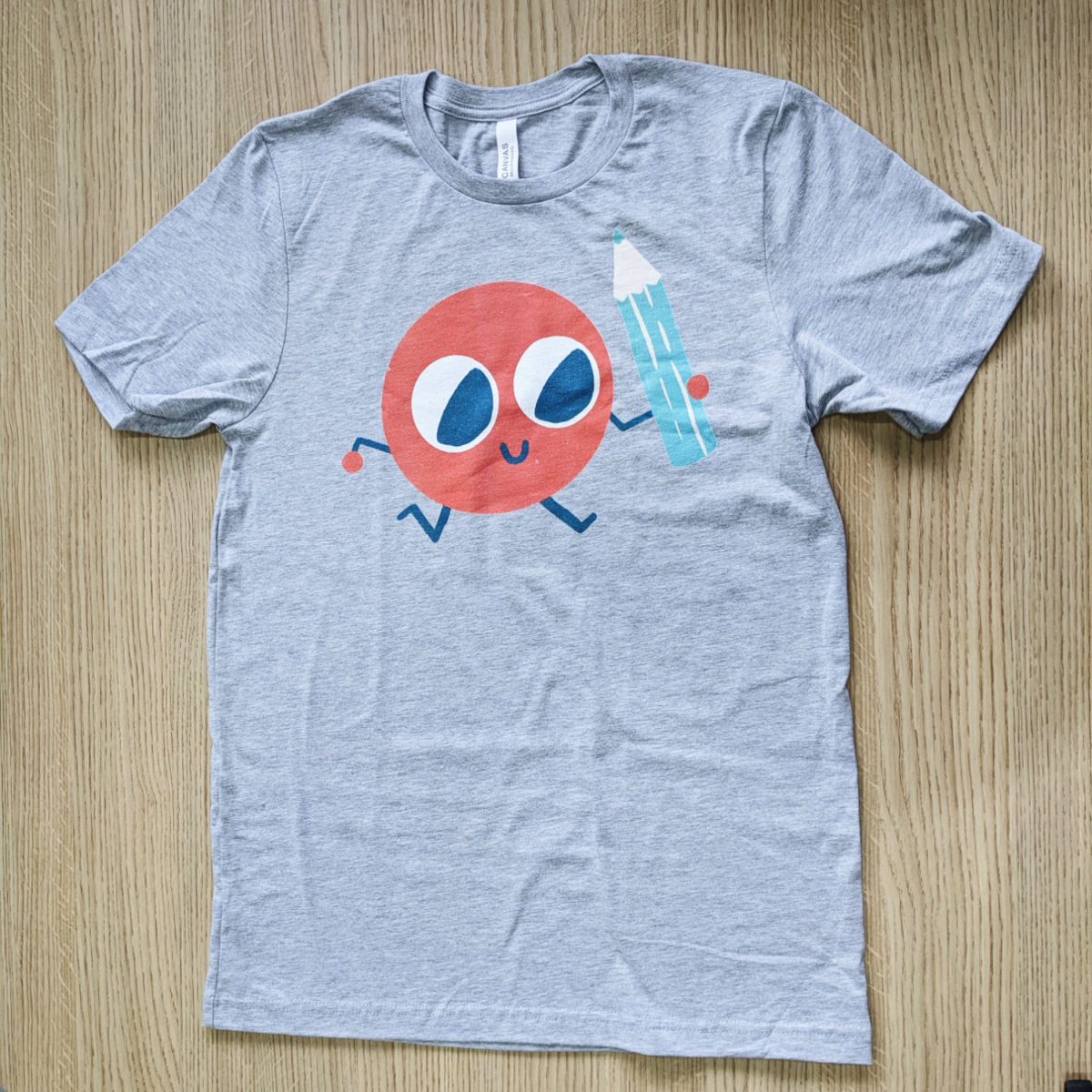
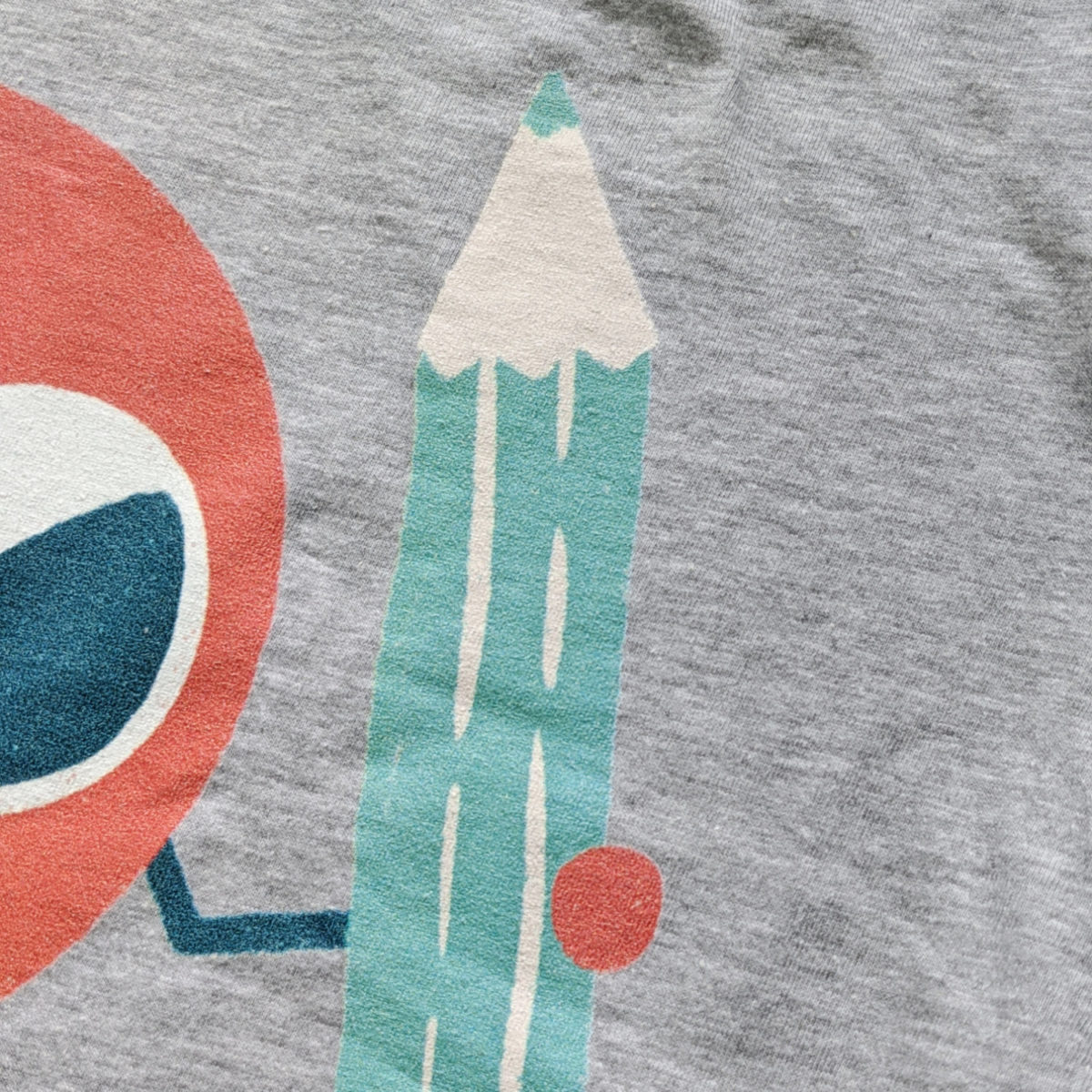
This particular print turned out nicely, and barely distinguishable from my similar Printful sample order.
When reviewing your product, the most important question you need to answer is this:
- Am I comfortable sending this product out to my customers?
If not, you will want to pinpoint why that is and fix it. (It could be an issue with your artwork, with the product itself, or with the printing quality).
If you think there has been a mistake made by the Print-Provider, reach out to Printify to them for help.
And if you really aren’t satisfied with Printify’s quality, you can test out an alternative provider like Printiful or Gooten, or any other of the Print-on-demand T-Shirt fulfilment companies.
So there you have it – your first Printify order done right.
Some final things to note:
- Although Printify do not offer a special discount on a sample order (besides the 20% off you get with the coupon ESSEK20) – you can upgrade to their Premium Plan ($29/m) to get up to 20% off ALL your orders. Use coupon code ESSEK on this page to get 30 days of a Premium Plan for FREE.
I hope this tutorial will help you place your first Printfify order, so you can feel confident selling your art to your customers, wherever they are.
To place your sample order, just click the button below to get started.
Notice a problem or mistake in this post – or something you think I should add? Please leave a comment below so I can keep it up to date!




Thank you very much. I hope to join printify as you suggested. I have a question-
Does it allow to place the same design on multiple products as we see on redbubble or teespring?
I am worried with the uploading process of my upcoming custom store, please suggest
Thanks
Abu Monsur
Hi Abu – yes you can place the same design on multiple products.
Great article, thank you Michael! One question: do you have experience with the email Printify sends with shipping information? I’m curious what this looks like to customers, and if pricing information is included. Thanks in advance!
Printify won’t send anything to your customers directly – that’s all on you. They are just the backend – and they will only communicate with you.